
# tutorials · frameworks
Astro vs Next.js 2026: which framework for content-first sites?
Astro and Next.js are the two frameworks most UK teams consider for a content-heavy site (blog, marketing, docs). This piece compares them on static output, islands vs RSC, deploy target, and real config differences.
The verdict up top
Pick Astro for a content-first site: blog, marketing pages, docs, portfolio. Static-first, zero JS by default, and framework-agnostic islands mean you can drop a React chart into a Vue page into an Svelte modal on the same site.
Pick Next.js for an app-first project: authenticated SaaS, ecommerce with cart state, dashboard, or anywhere you need Server Actions and RSC streaming.
Both output static HTML on demand. Both do SSR. The real difference is the default: Astro defaults to zero JS, Next.js defaults to a React runtime. That decision cascades through the rest of the framework.
The islands architecture (Astro)
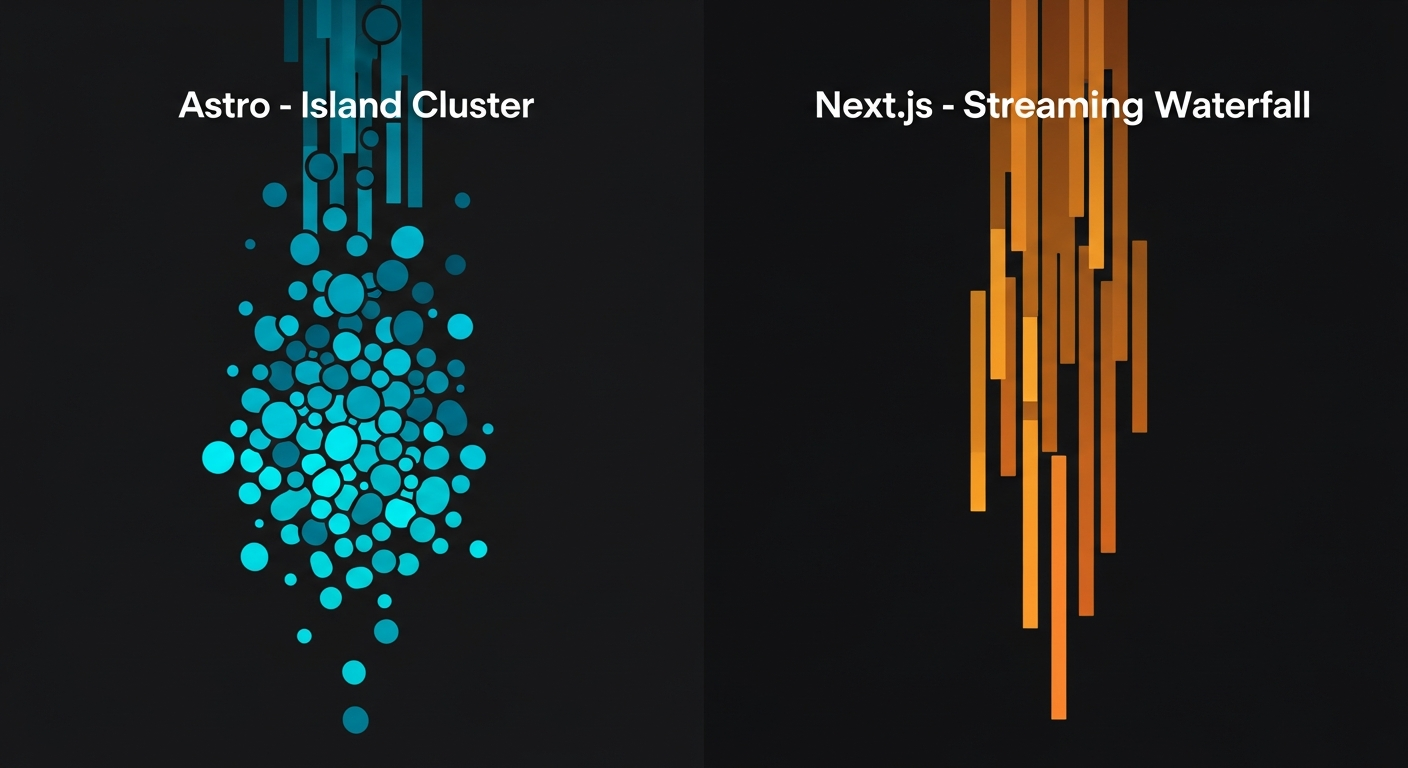
Astro renders every page to HTML at build time (or per-request). Interactive components (React, Vue, Svelte, Solid) are opt-in “islands” that hydrate only when needed.
---
// src/pages/blog/[slug].astro
import Layout from '@/layouts/BlogPost.astro';
import LikeButton from '@/components/LikeButton.tsx';
import { getPost } from '@/lib/posts';

const { slug } = Astro.params;
const post = await getPost(slug);
---

<Layout title={post.title}>
  <article>
    <h1>{post.title}</h1>
    <div set:html={post.html} />
    <LikeButton client:visible postId={post.id} />
  </article>
</Layout>
The client:visible directive hydrates the React LikeButton only when it enters the viewport. Everything else is static HTML. Total client-side JS on a typical Astro blog: 0 KB to about 2 KB for an occasional island.
React Server Components (Next.js 15)
Next.js 15 App Router uses React Server Components. Every component runs on the server by default; you drop 'use client' for interactivity. The output is HTML plus a React runtime that hydrates the whole tree.
// app/blog/[slug]/page.tsx
import { LikeButton } from '@/components/like-button';
import { getPost } from '@/lib/posts';

export default async function Post({ params }: { params: Promise<{ slug: string }> }) {
  const { slug } = await params;
  const post = await getPost(slug);

  return (
    <article>
      <h1>{post.title}</h1>
      <div dangerouslySetInnerHTML={{ __html: post.html }} />
      <LikeButton postId={post.id} />
    </article>
  );
}
Both examples read a post and render HTML. Astro ships zero JS unless you opt in; Next.js ships the React runtime (~90 KB gzipped) whether you use client state or not.
Config: astro.config.mjs vs next.config.ts
// astro.config.mjs
import { defineConfig } from 'astro/config';
import react from '@astrojs/react';
import tailwind from '@astrojs/tailwind';
import mdx from '@astrojs/mdx';
import vercel from '@astrojs/vercel/static';

export default defineConfig({
  site: 'https://webdevblog.co.uk',
  integrations: [react(), tailwind(), mdx()],
  output: 'static',
  adapter: vercel(),
});
// next.config.ts
import type { NextConfig } from 'next';
const config: NextConfig = {
images: {
formats: ['image/avif', 'image/webp'],
},
experimental: {
ppr: 'incremental',
},
async redirects() {
return [
{ source: '/blog/:slug', destination: '/posts/:slug', permanent: true },
];
},
};
export default config;Astro configures via integrations: add MDX, add Tailwind, add React, add an adapter. Next.js configures via a single object with a wider surface area (images, experimental flags, redirects, headers, webpack, turbopack).
Deploy targets
| Target | Astro | Next.js |
|---|---|---|
| Static hosting (Netlify, Vercel, GitHub Pages, S3) | Excellent | Good (requires export) |
| Node server (Render, Railway, Fly, self-hosted) | Good (Node adapter) | Excellent |
| Edge (Vercel, Cloudflare, Deno Deploy) | Good | Excellent (Vercel) |
| Static + dynamic hybrid | Excellent | Excellent |
Astro was built for static-first, so static exports are the happy path. Next.js was built for SSR + edge, so a Vercel deploy is the happy path. Both do both, but the defaults reflect the origin.
When each wins
Astro wins on
- Content-first sites: blog, docs, marketing, portfolio.
- Zero-JS output by default (best Core Web Vitals out of the box).
- Framework mixing: React chart, Vue widget, Svelte modal on the same page.
- Cheap deploys: Astro sites cost pennies on Netlify Free / Cloudflare Pages.
- MDX and Content Collections (typed frontmatter, zero-config).
Next.js wins on
- Authenticated apps and SaaS dashboards.
- Ecommerce with cart state and Server Actions.
- RSC streaming and PPR (partial pre-rendering).
- Ecosystem depth (every React library works out of the box).
- Vercel-native features (AI SDK, image optimisation, analytics).
The honest recommendation
For this blog (Web Dev Blog itself), Astro is the right tool. Content-first, zero JS on 90% of pages, and if we ever add an interactive comparison table, we drop it in as a React island.
For a SaaS dashboard or ecommerce checkout, Next.js is the right tool. Server Actions, RSC streaming, and the wider React ecosystem win.
You do not have to pick one for the whole company. A marketing site on Astro plus an app on Next.js is a perfectly reasonable stack in 2026.